.
1) Register for a Publisher Account
2) Set Up a Google Payments Merchant Account
3) Explore the Developer Console
1) Register for a Publisher Account
Tips
- You need a Google account to register. You can create one during the process.
- If you are an organization, consider registering a new Google account rather than using a personal account.
- Review the developer countries andmerchant countries where you can distribute and sell apps.
- Visit the Google Play Developer Console.
- Enter basic information about your developer identity — name, email address, and so on. You can modify this information later.
- Read and accept the Developer Distribution Agreement for your country or region. Note that apps and store listings that you publish on Google Play must comply with the Developer Program Policies and US export law.
- Pay a $25 USD registration fee using Google payments. If you don't have a Google payments account, you can quickly set one up during the process.
- When your registration is verified, you’ll be notified at the email address you entered during registration.
2) Set Up a Google Payments Merchant Account
If you want to sell priced apps, in-app products, or subscriptions, you’ll need a Google payments merchant account. You can set one up at any time, but first review the list of merchant countries.
To set up a Google payments merchant account:
To set up a Google payments merchant account:
- Sign in to your Google Play Developer Console at https://play.google.com/apps/publish/.
- Open Financial reports
on the side navigation.
- Click Setup a Merchant Account now.
This takes you to the Google payments site; you'll need information about your business to complete this step.
3) Explore the Developer Console
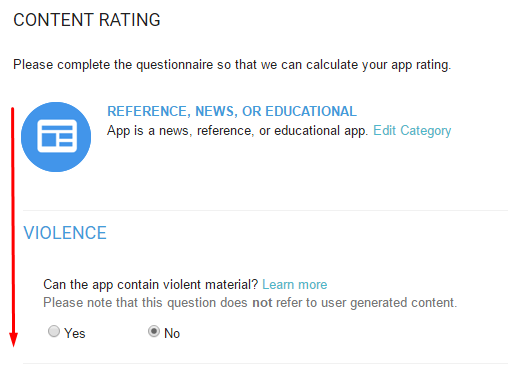
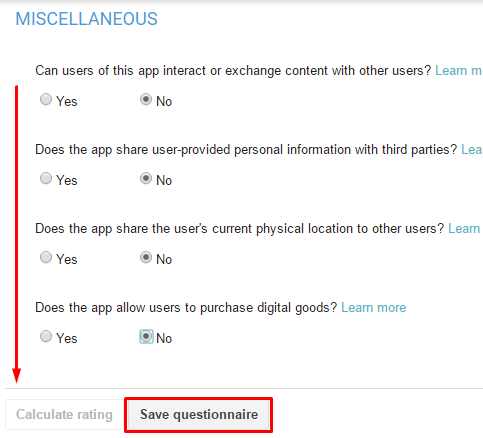
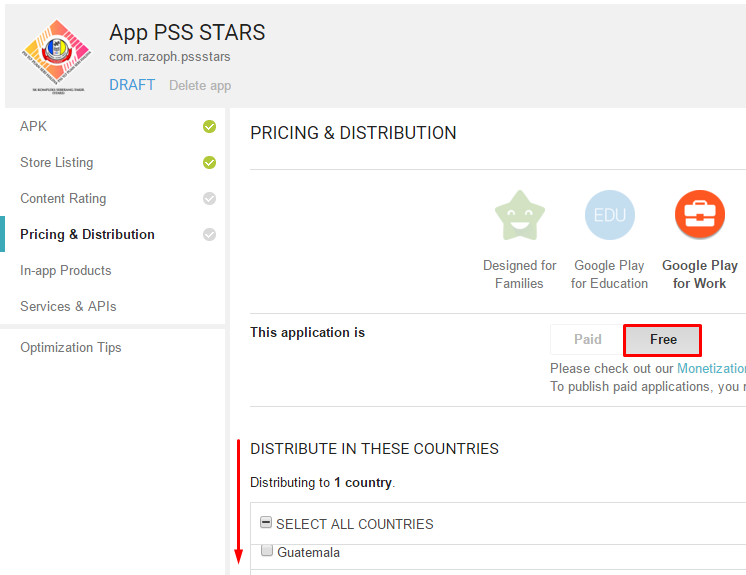
When your registration is verified, you can sign in to your Developer Console, which is the home for your app publishing operations and tools on Google Play.